MAC-LIMPO
Free up disk space on your Mac — a native menu bar cleaner for developers,
with a disk X-ray that shows where every gigabyte goes.
Install in one command
The script builds MAC-LIMPO on your Mac and installs it into /Applications. Built locally, the app opens on the first click — no Gatekeeper warning, no paid certificate. Needs macOS 27+ and the Command Line Tools. More options →
What it does
-
46 cleaning categories
Xcode, simulators, Docker,
node_modules, Rusttarget/, Cargo, Go, pnpm, Bun, Android SDK, .NET, IDE caches, browsers, logs, temp files and more. -
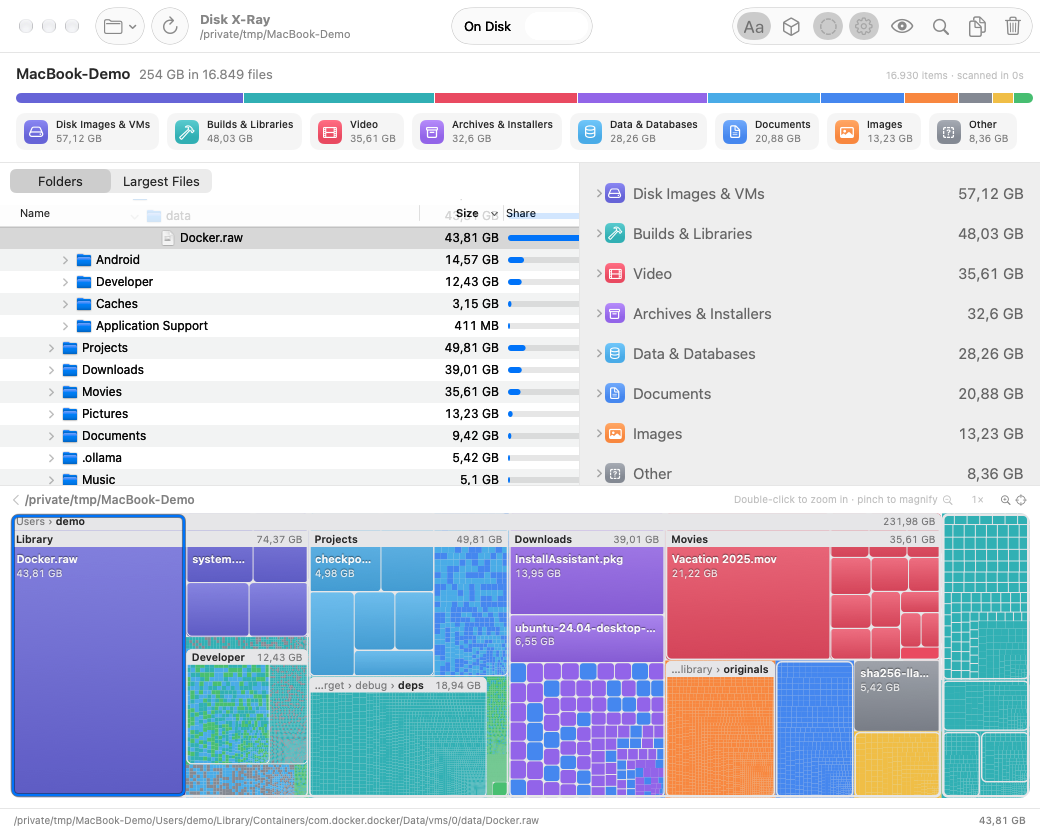
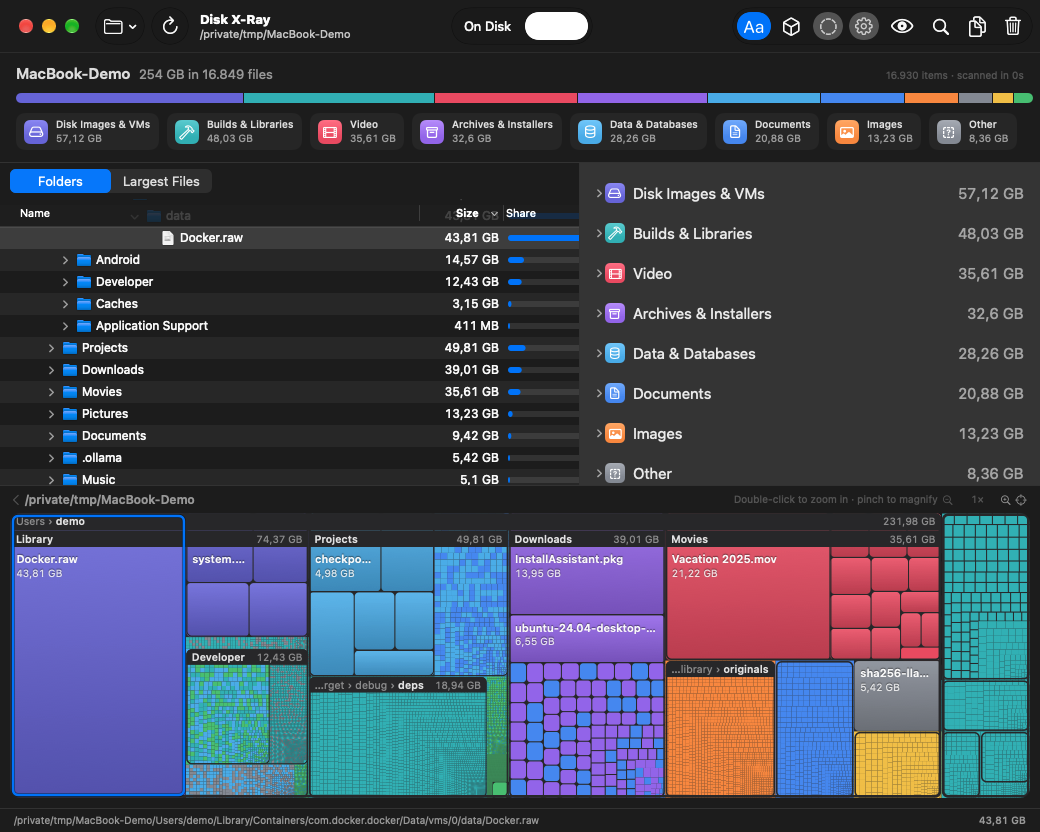
Disk X-Ray
Reads every file in seconds and maps the disk by file type: folder tree, type panel, largest files and a treemap you pinch to magnify down to a single file — in 2D or as a 3D map drawn with Metal.
-
Safe by default
Scan before cleaning, confirmation, Trash instead of delete where possible, caches only — never your documents.
-
Native
SwiftUI + AppKit, Liquid Glass by default, Apple Intelligence recommendations, App Intents for Shortcuts and Siri. No telemetry, no account.
Menu bar
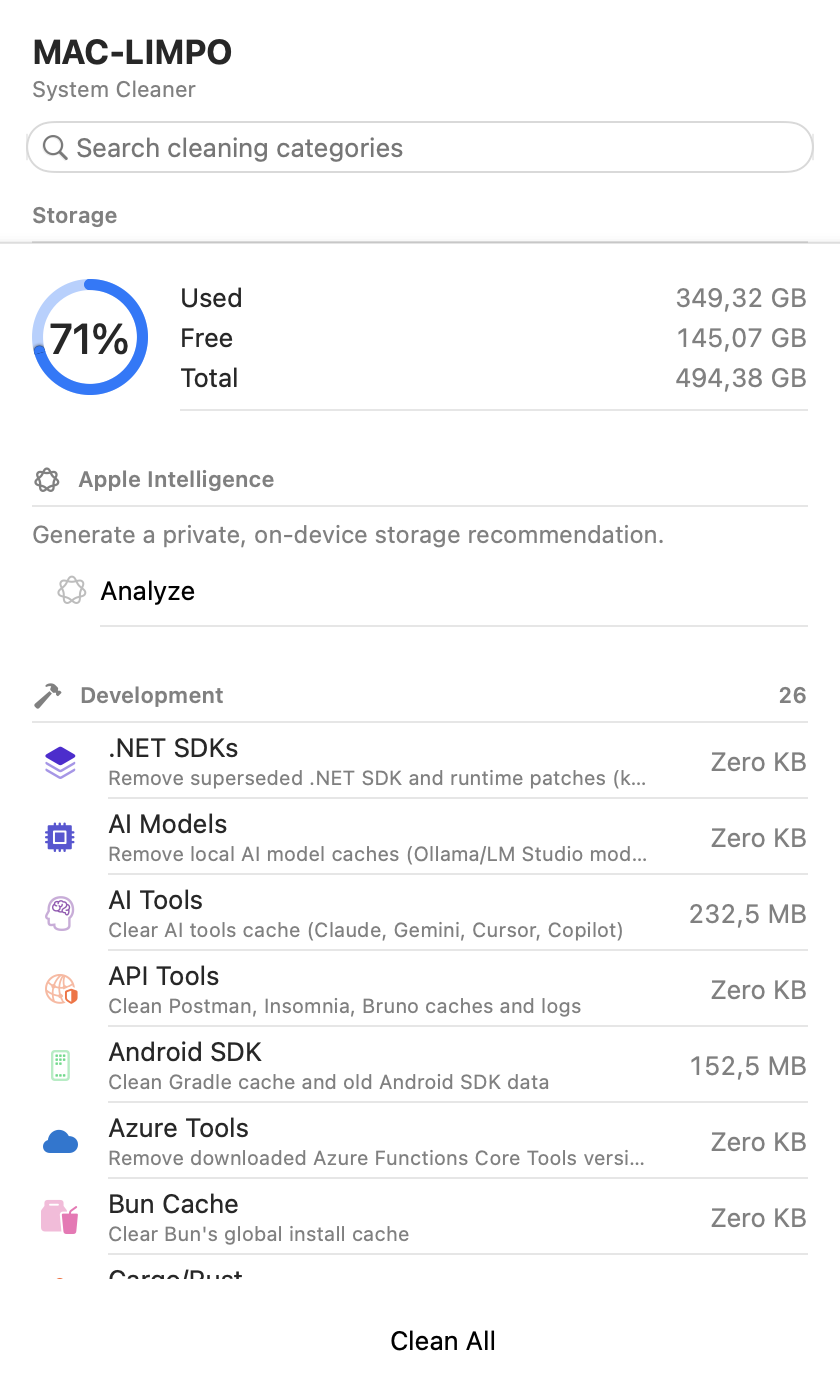
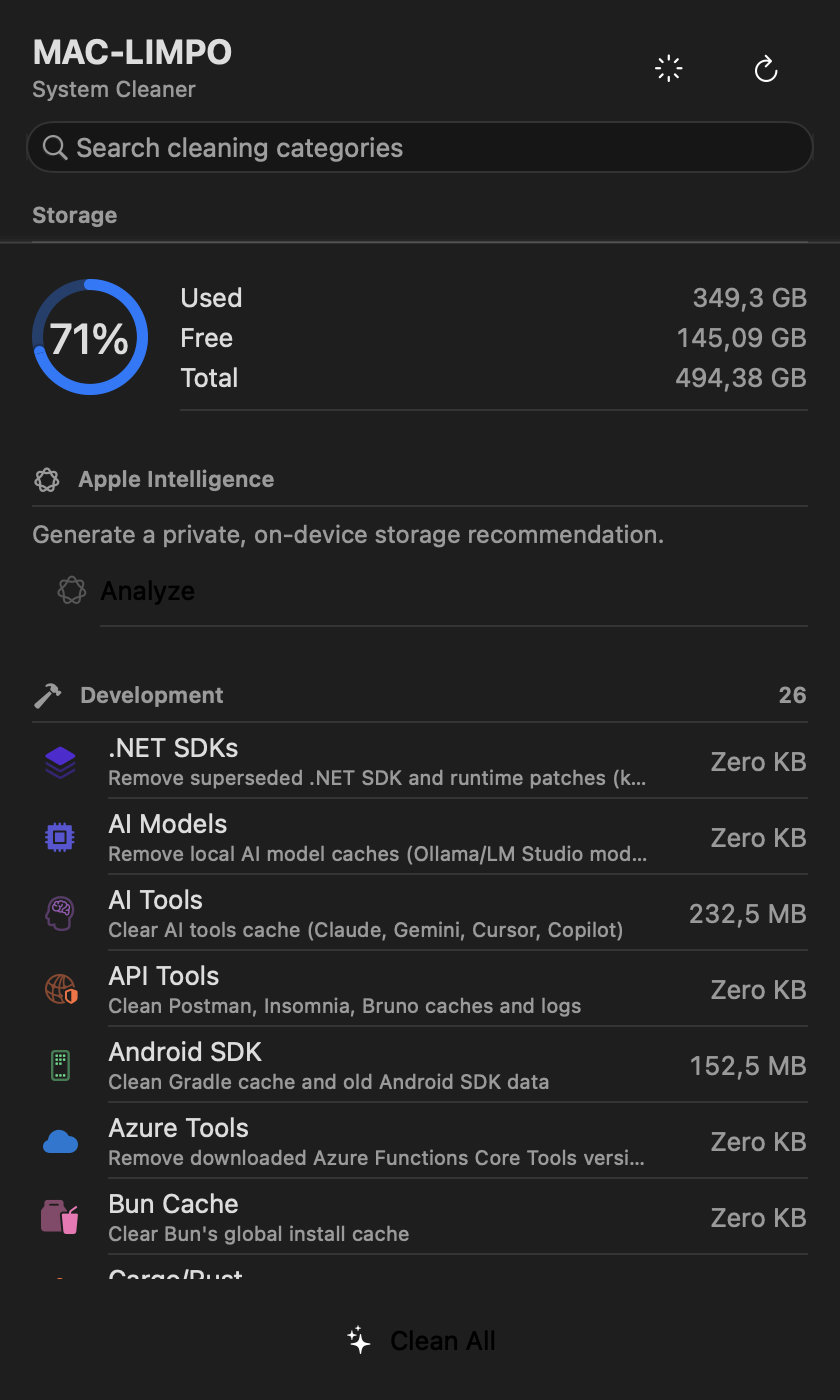
Click the icon in the menu bar: the popover shows disk usage and every category with how much it would free. Click a category to clean it, or Clean All.
Free software
MAC-LIMPO is released under the GPL-3.0-or-later. Bug reports, ideas and pull requests are welcome — see the development guide.